AI and Ingredient Recovery
Recovering missing ingredient data from label scans and moving Bitwise AI explanations behind a protected backend with validation and safe fallbacks.
Features built this month
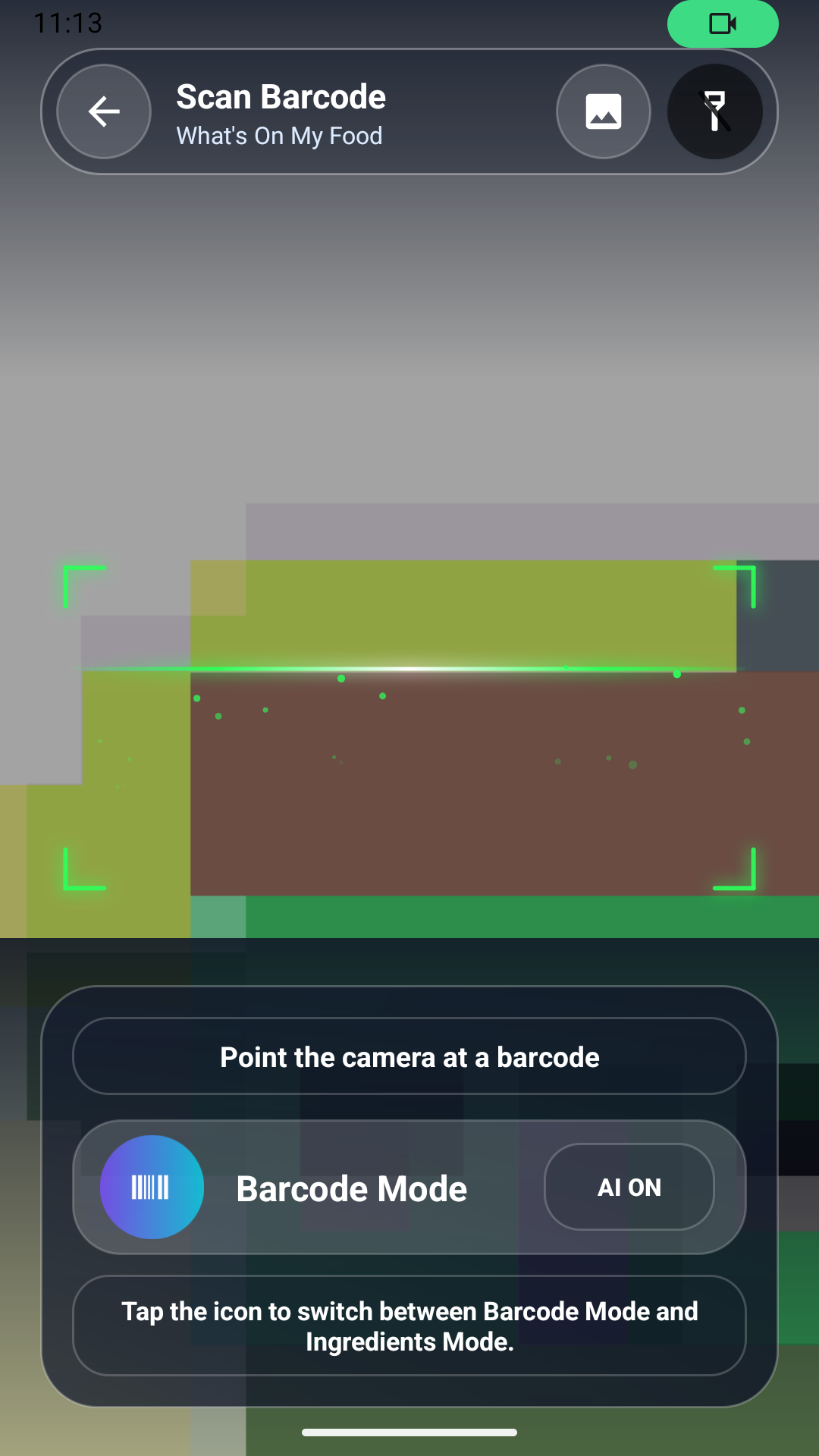
Milestone 3 focused on how the app collects missing information and how Bitwise AI explanations are produced. When a scanned product does not include usable ingredients, the app now prompts the user to scan the ingredient label. I built that path on CameraX plus ML Kit text recognition, then wrote a cleanup pass that strips OCR noise, splits the ingredient list, and attaches the recovered text to the original product record in Room before the health analysis continues.
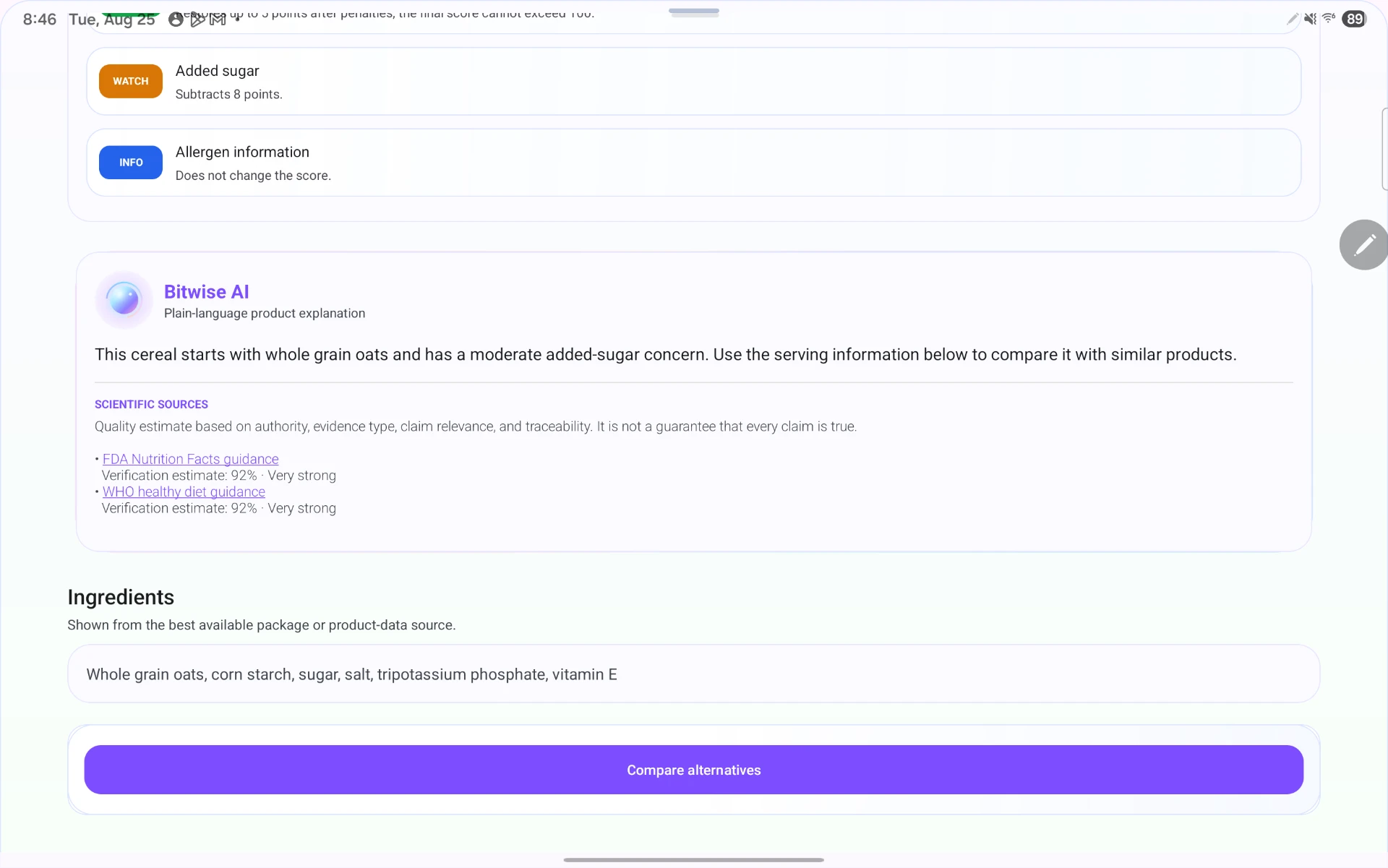
Bitwise AI explanations moved behind a protected Node.js backend, so provider credentials never ship inside the Android app. The backend assembles a source-aware prompt from the deterministic rule output, calls the model, and validates the response shape before the app displays or saves it. Invalid or ungrounded responses are rejected rather than rendered.
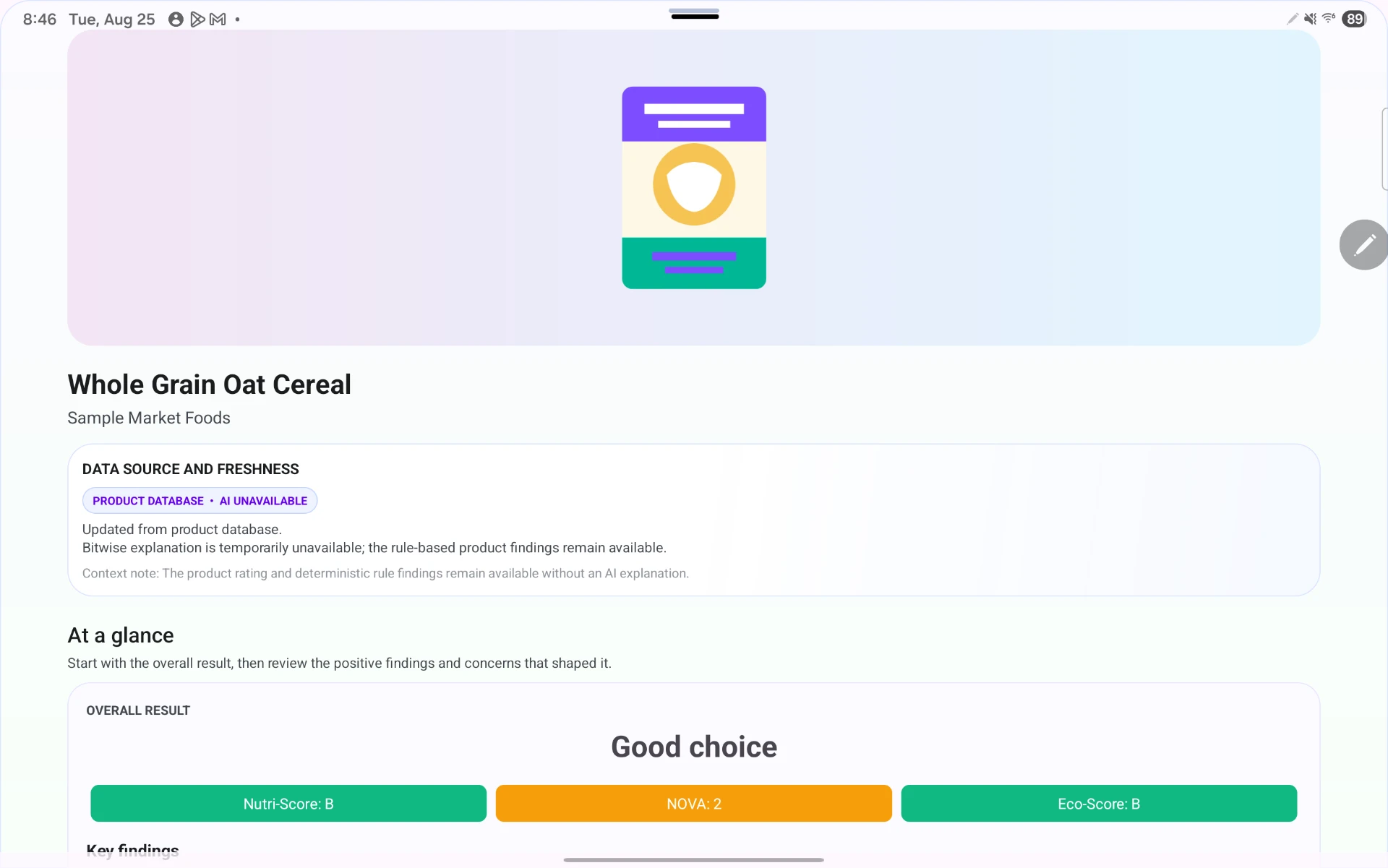
I also hardened the failure paths: timeouts, service errors, rate limits, and malformed responses each map to a specific state. When AI is unavailable the product screen still renders the rating and rule-based findings with a clear AI UNAVAILABLE note. Smaller additions included ingredient checks before starting an AI review, faster request handling, privacy-safe backend diagnostics, and hosted backend configuration with validation.
Tools and resources: Android Studio, CameraX, ML Kit, Retrofit + OkHttp, Room, Node.js with rate limiting, and the ML Kit text-recognition samples.
Challenges
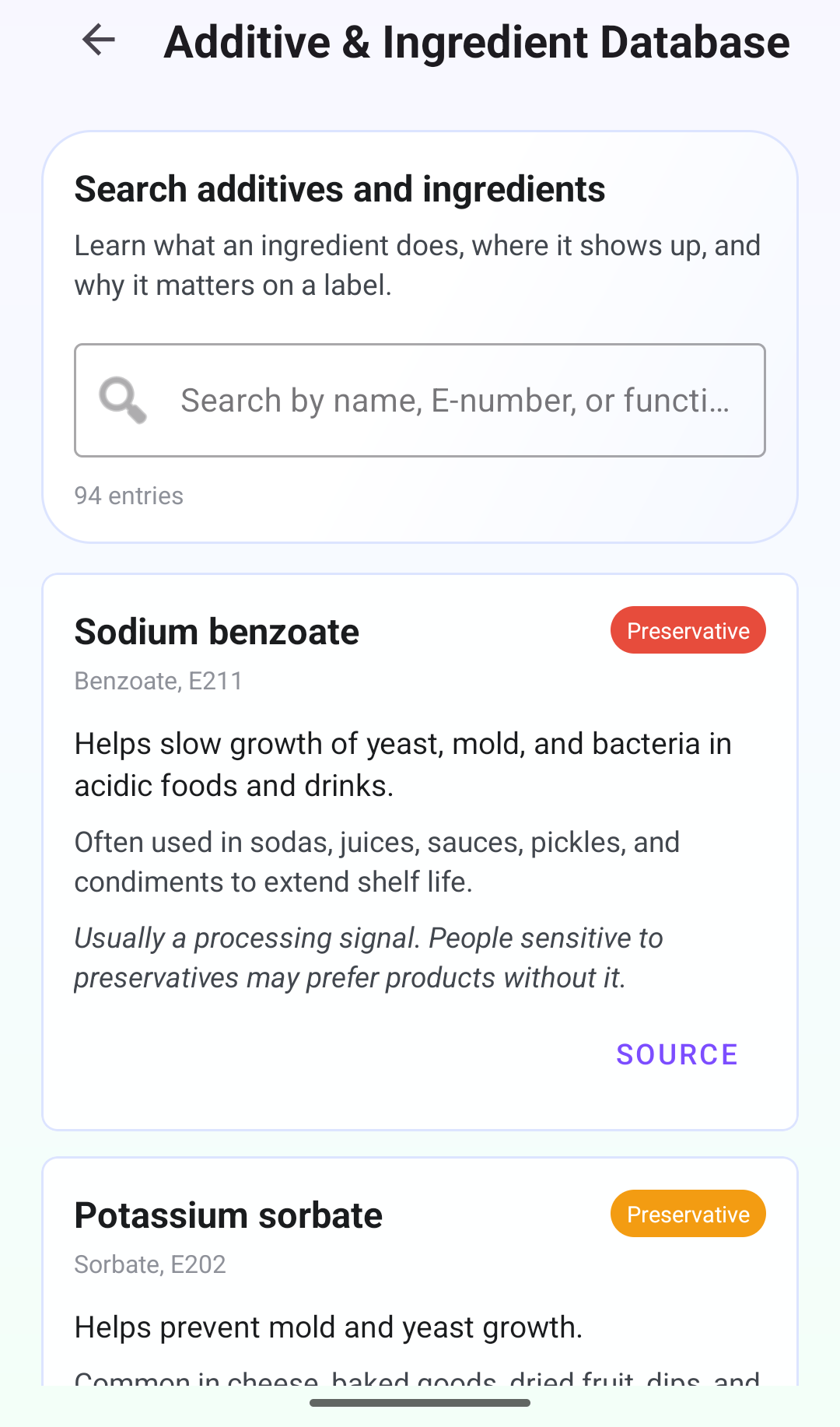
OCR on curved and glossy packaging produced fragmented text, so a naive split on commas created nonsense ingredients. Normalizing before matching against the additive database was the fix.
Validating AI output was trickier than expected — responses could be well-formed JSON and still be ungrounded, so validation had to check cited sources, not just structure.
Retrospective
What went right: moving credentials server-side removed a real security risk, and the rules-only fallback means an AI outage degrades the experience instead of breaking it.
What went wrong: prompt and validation iteration consumed most of the month, and I rewrote the recovery flow twice before it handled partial label scans cleanly.
How I will improve: I am building a fixed set of sample scans to test prompt and validation changes against, so I can measure regressions instead of eyeballing individual results.