Scan-to-Explanation: First Analysis Pipeline
An introduction, the first working scan-to-analysis pipeline, and an honest retrospective on month one of my capstone.
Introducing myself
Hi — I'm Caleb Barranco, a Master of Science in Computer Science student at Full Sail University. My background is in mobile development, and my capstone brings that experience together with something I care about personally: helping shoppers understand what is actually in the food they buy.
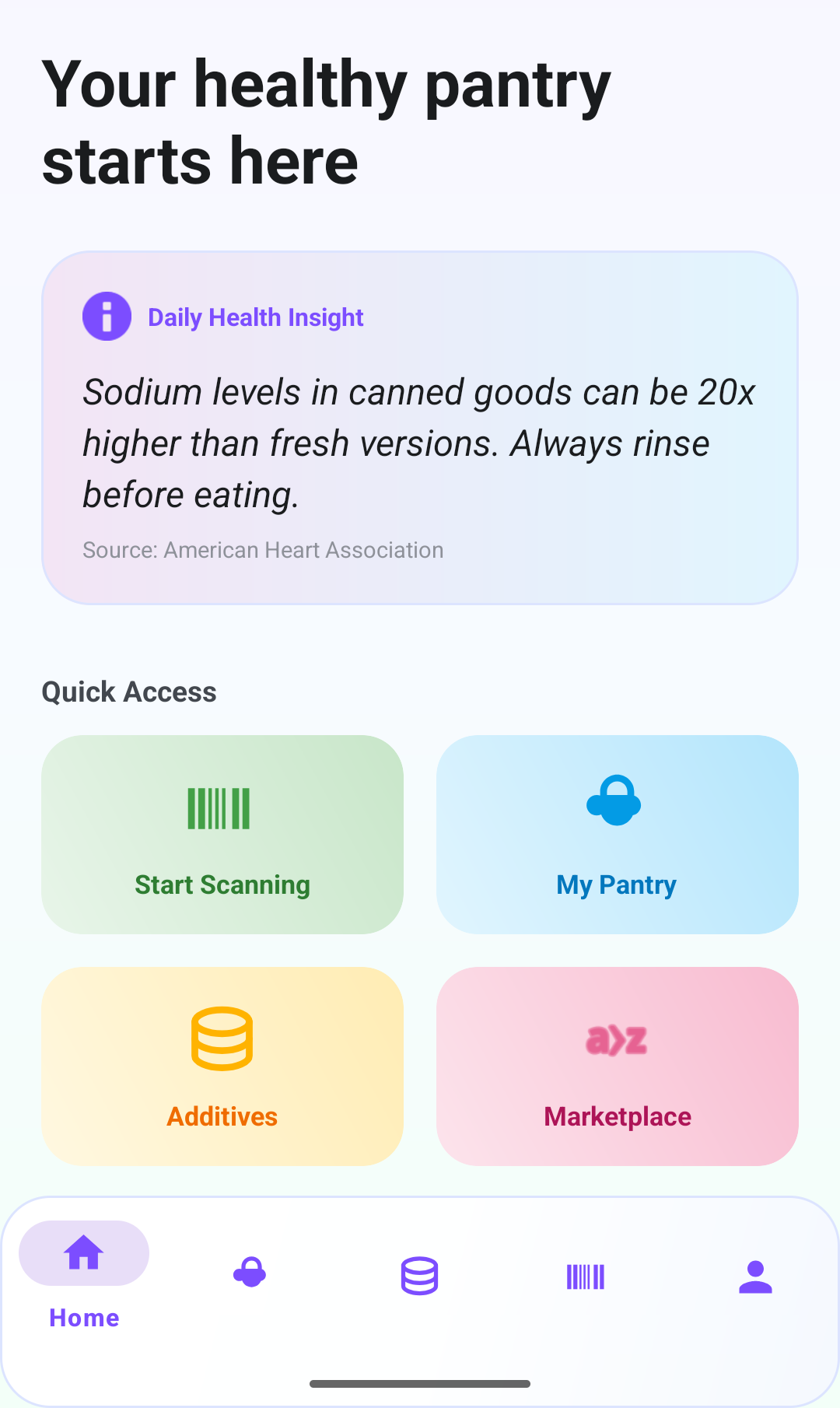
The project is called What's On My Food. It is an Android application that scans barcodes and ingredient labels, runs deterministic analysis rules on the ingredients, and then uses an AI service to translate the evidence into plain-language explanations. My goal for this program is to graduate with both a shippable product and a defensible study that measures whether AI-assisted explanations actually improve user satisfaction and recommendation intention over static database results.
What I built this month
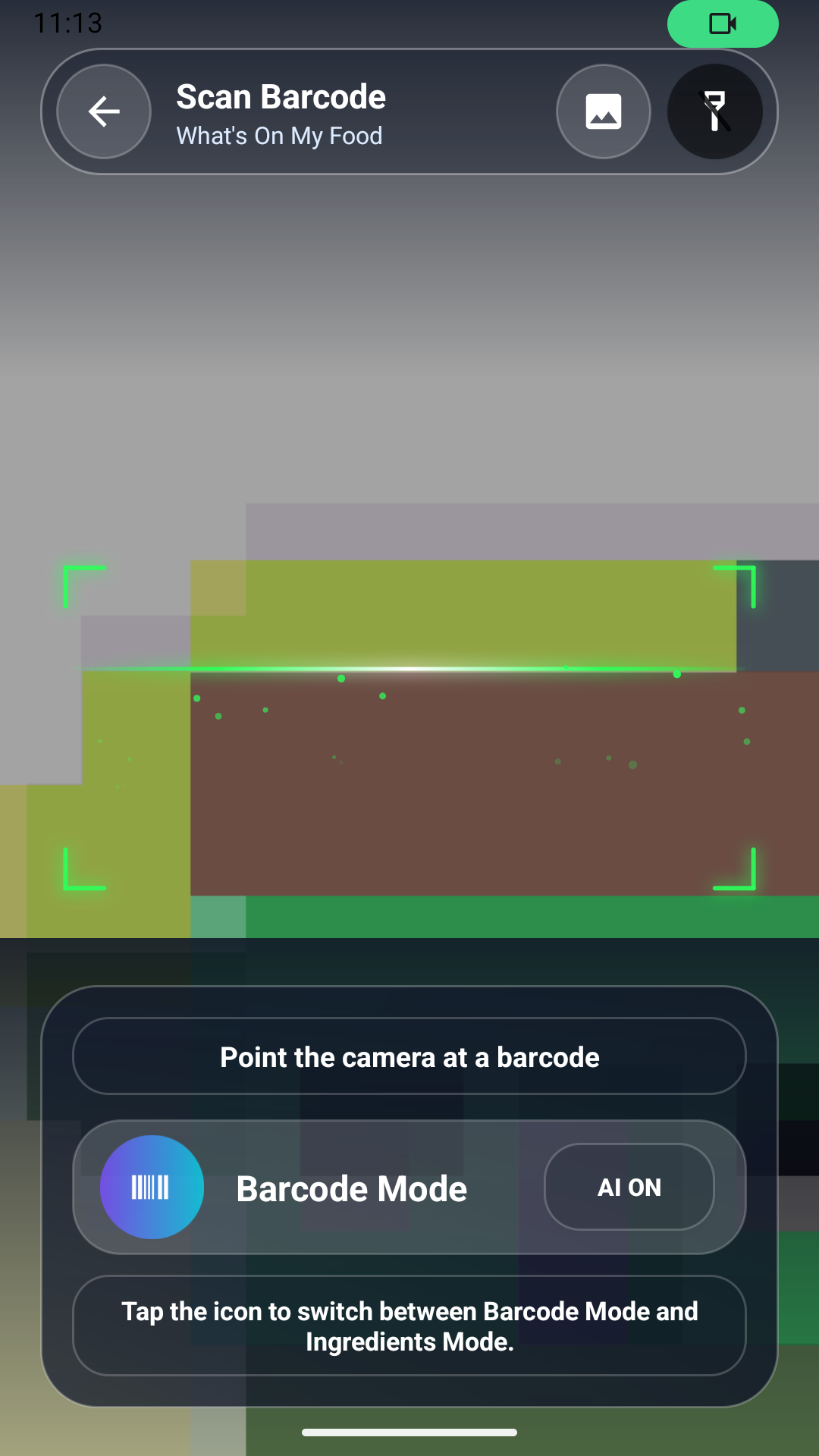
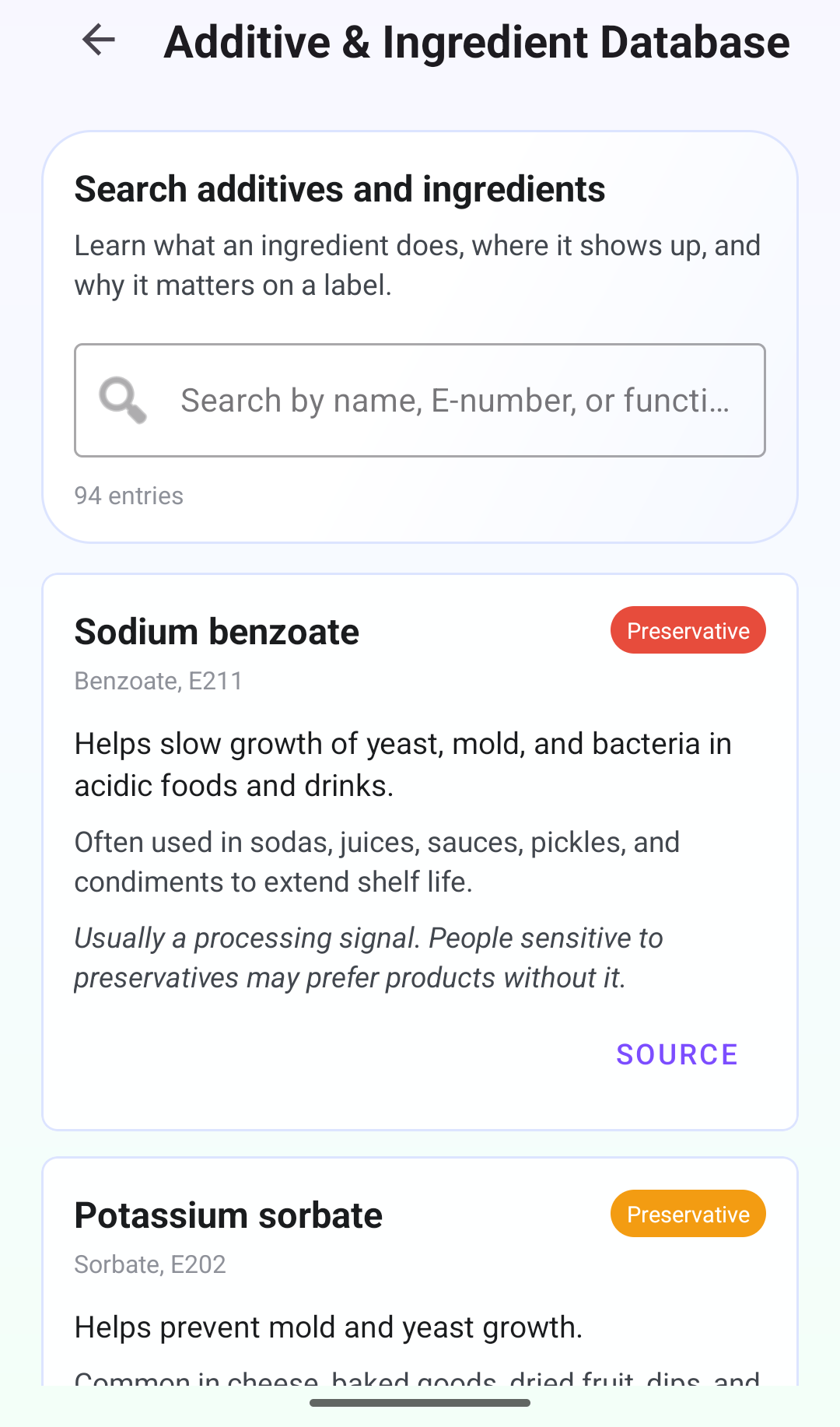
The headline feature this month was the first end-to-end scan-to-explanation pipeline. A user can point the camera at a barcode, the app looks up the product against Open Food Facts through a Retrofit client, falls back to CameraX + ML Kit OCR when the record is missing, and then hands the collected evidence to a rule-based analyzer for additives, sugar, sodium, and allergens.
On top of that deterministic layer, I wired in a secured Node.js backend that calls Google Gemini with a grounded prompt. The AI only sees the evidence the rules produced, and every response is required to reference its sources. Room persists scans locally so the pantry feature has real data to work with.
Tools I leaned on: Android Studio, AndroidX, CameraX, Google ML Kit, Retrofit + OkHttp, Room, Firebase Authentication on the client, and Node.js with rate limiting on the backend. The Open Food Facts documentation, the ML Kit samples, and a few papers on grounded generation were the resources I referenced most.
Retrospective
What went right: the deterministic-before-generative architecture paid off immediately. Because the rules run first, the AI layer has real evidence to cite, and the app can degrade gracefully to a rules-only explanation when the AI service is unavailable.
What went wrong: OCR accuracy on curved packaging was worse than I expected, and I lost time chasing a Retrofit deserialization bug that turned out to be a nullable field on Open Food Facts. I also underestimated how much scaffolding the pantry feature would need before insights could be meaningful.
How I will improve: I am moving to weekly milestones instead of monthly ones, keeping a running risk list, and blocking dedicated hours for advisor check-ins rather than fitting them around implementation work.
Course reflection & next phase
Time management was solid on implementation and weaker on documentation — something I want to flip next month. Material from Mobile Application Development and Human-Computer Interaction has been directly load-bearing: the former for CameraX and Room, the latter for how I present uncertainty in the UI. Research Methods is shaping the within-participant study design.
I met with my advisor twice this month. The outcome was a narrower research question and a clearer plan for IRB preparation. I feel ready to move into the next phase: hardening the analysis rules, preparing the pilot study materials, and beginning IRB paperwork.